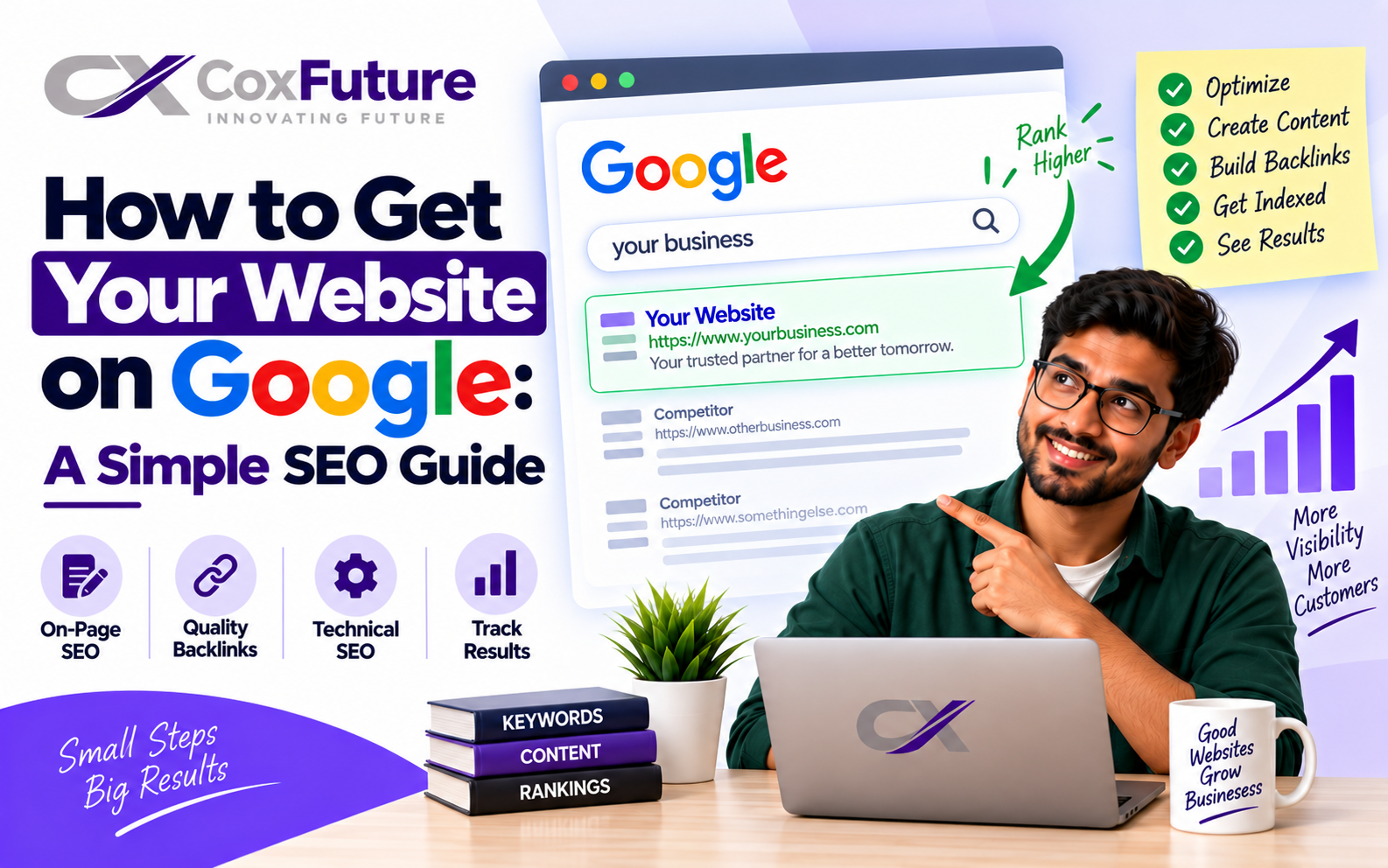
Why Getting Your Website on Google Is Important
Having a website and actually getting it seen are two different stories. If you have created a website that is completely ignored by Google, your potential customers may never find it. Almost all organic traffic starts with a Google search, which is why learning how to get your website on Google is necessary.
Imagine a bakery that has opened a new website. The owner believes customers will find it simply by searching for "bakery near me." Weeks pass and no clients visit the site, not because the bakery is bad, but because Google has not indexed the website. This is one of the most common mistakes for new website owners: assuming that a launch means everyone will notice it right away.
This guide explains SEO basics in plain language. You do not need previous knowledge to follow it. If you are wondering what SEO is or want an SEO-for-beginners guide, these steps will help.
1. Learn How Google Crawls Your Website
Google needs to see your website before it can rank and show it to users. Google indexing is the process in which automated programs called crawlers scan web pages, follow links, and add pages to Google's database. Understanding how search engines work explains why some pages are indexed while others are not.
If pages cannot be accessed or scanned by search engines, Google cannot index them. Website crawlability is therefore important. To check your own site, search Google for site:yourdomain.com. If expected pages are missing, your website may not be indexed yet.
2. Set Up Google Search Console
Google Search Console lets you see how Google views your website. It shows which pages are indexed, which search terms bring traffic, and which errors prevent indexing. To verify your website, add the verification code or file to your site and prove ownership.
After Google site verification, you can submit pages and monitor indexing without guesswork. Check the reports every couple of weeks: a warning such as a redirect error can prevent an important page from being indexed.

3. Create and Submit an XML Sitemap
An XML sitemap is a map of your website that helps Google find all your pages more effectively. Without one, Google has to discover pages through links alone.
- Generate a sitemap. Most website platforms publish one at a specific URL.
- Open Google Search Console and go to the Sitemaps section.
- Add the sitemap URL.
- Return after a few days to check whether pages were indexed.
Submitting an XML sitemap can speed up indexing significantly, helping a new website appear in Google Search sooner.
4. Check Your Robots.txt File
Your robots.txt file tells Google which pages its bots can crawl and which they should not. It can be why a website does not appear in Google. Developers sometimes leave a line such as Disallow: / in place after testing, which blocks a fully functional website from being crawled.
5. Perform Basic Keyword Research
Keyword research is the first step in your SEO process. Without it, you risk writing text that does not attract an audience. Focus on SEO keywords your audience searches for and consider their search intent.
Someone searching for "how to make sourdough bread" needs a recipe, while someone searching for "sourdough bakery near me" is ready to buy. These searches need different content. Even a little research helps you understand what your audience is looking for.
6. Optimise On-Page SEO Elements
Titles and descriptions, known as on-page SEO elements, give Google information about the content of your page.
- Write a title under 60 characters that includes your main keyword.
- Write a meta description under 160 characters.
- Use one main heading, then H2 and H3 headings for subheadings.
- Read the text and ask whether it is clear what the page is about.
Clear meta tags and correct headings are part of technical SEO and help Google understand and index your pages properly.
7. Build a Clear Site Structure and Use Internal Links
A logical site structure helps Google see how your pages are organised and helps visitors find what they need. Links between pages are internal links, so add relevant links to other pages on your website.
For example, a bakery can link from a blog post called "5 Tips for Storing Fresh Bread" to its product page. This can increase interest in the product page and helps Google understand how the pages relate.
8. Make Your Site Mobile-Friendly and Fast
Google mainly focuses on the mobile version of websites, so a mobile-friendly website is a necessity rather than an option. You should also care about loading speed. Google evaluates website speed through Core Web Vitals: loading speed, interactivity, and visual stability.
Use Google PageSpeed Insights to assess your homepage and review any issues shown in red.

9. Publish Quality Content Regularly
Regularly published quality content is one of the main ways to gain and retain traffic. Content optimisation includes updating older pages, improving them, and expanding thin content. Thoroughly answering your audience's questions shows Google that your website is active and deserves better rankings.
Ask whether your most successful pages are still relevant after several months. Your competitors may already have published better content on the same topic.
10. Build Backlinks and Domain Authority
Links from other websites to your website are backlinks. They tell Google that your page is trustworthy. Building them requires patience: create high-quality content people want to reference, guest-post on relevant blogs, and build relationships with industry players.
For a bakery, mentions in a local food blog's "Best bakeries in town" roundup or sponsorship of a local event can result in real backlinks. Backlinks also help build domain authority, an important factor in ranking competitiveness.
Local businesses should also claim and optimise their Google Business Profile to attract more traffic. Finally, use HTTPS and an SSL certificate, because security signals matter to both visitors and Google.

SEO Checklist Recap
- Verify your website with Google Search Console
- Submit an XML sitemap
- Check your robots.txt file
- Do basic keyword research
- Optimise titles, meta descriptions, and headings
- Build site structure and internal links
- Ensure mobile friendliness and website speed
- Publish quality content regularly
- Build backlinks and domain authority
- Set up Google Analytics to measure results
Performing this SEO checklist and an SEO audit from time to time keeps you aligned with SEO best practices. Google Analytics and Google Search Console let you see how your website ranks and receives traffic.
Conclusion
Getting your website on Google is a complex process. Start with indexing and verification, move to on-page and technical optimisation, then build content and backlinks. Even simple technical errors can slow progress, so do not treat SEO as a one-time job.