Why Your Google Business Profile Matters More Than Your Website (For Local Searches)
When someone searches "dentist near me" or "website developer in Noida", Google shows a map pack — three businesses with photos, ratings, and a call button — before almost any website links. For local and service businesses in India, that map pack is where the buying decision happens. A fully optimized profile wins calls; a neglected one hands them to competitors.
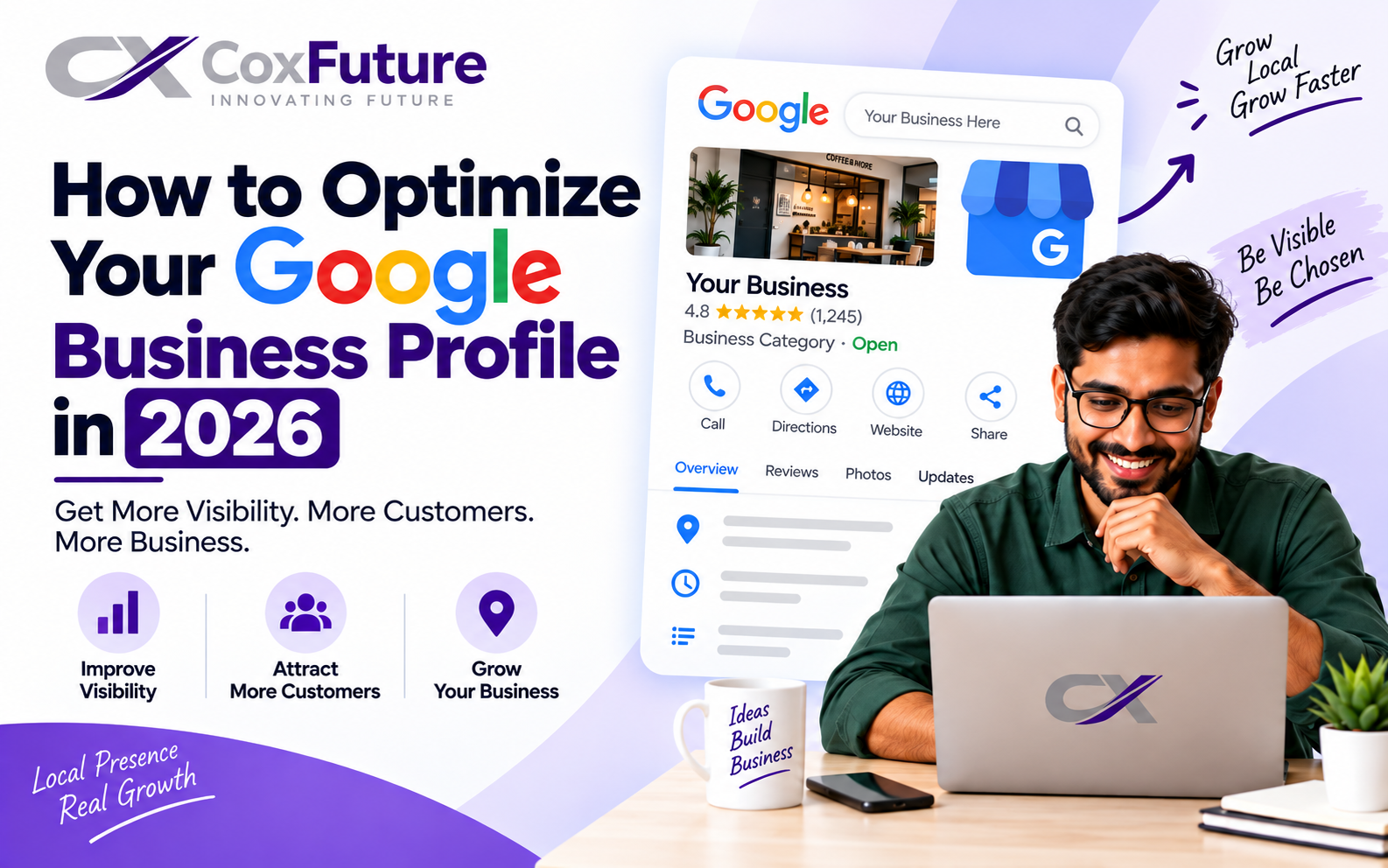
The good news: most Indian businesses set up their profile once and never touch it again. That makes this one of the highest-return, lowest-competition marketing activities available to you. This guide covers exactly what to do.
Step 1: Get the Foundation Right
- Claim and verify your profile at google.com/business. Verification is usually by postcard, phone, or email. Until verified, you cannot fully manage listings or respond to reviews.
- Use your exact real business name. Not "Best Dentist Delhi — Dr Sharma Dental Clinic". Keyword-stuffed names violate Google's guidelines and risk suspension. Your name is your name.
- Write your address exactly as everywhere else. The same format on your website, invoices and directories. Consistency (NAP: Name, Address, Phone) is a genuine local ranking factor.
- Choose your primary category carefully. This is the single strongest relevance signal. Pick the category that matches your core money-making service (e.g., "Internet marketing service", "Website designer", "Dental clinic"). Then add 3–6 secondary categories for other real services.
- Set a service area if you travel to customers (hide your address) or a storefront address if customers visit you. Don't fake a shop you don't have.
Step 2: The Optimization Checklist
- Business hours — accurate, including holidays. Wrong hours are the fastest way to lose trust (and get 1-star "they were closed" reviews).
- Phone number that connects to a person, matching your website. Use a trackable number only if it's consistent everywhere.
- Website link — to your homepage, or better, to the page matching what most searchers want.
- Services/products section: list each service with a real description and price range. These act like mini-landing pages inside search.
- Business description (750 chars): who you serve, what you do, where — written naturally, mentioning your city and key services once.
- Photos: minimum 10 — storefront, interior, team, work samples. Profiles with photos get far more direction requests. Add new ones monthly; recency matters.
- Q&A section: seed it yourself with 5–8 real customer questions and answer them. Most businesses leave this empty — it's free persuasion.
- Attributes: women-owned, wheelchair accessible, Wi-Fi, payment types — complete every one that applies.
- Messaging/chat: enable if someone can genuinely reply fast. Speed of response is the whole game.
Step 3: Google Posts and Weekly Activity
Profiles that stay active signal to Google (and customers) that the business is alive. Post weekly or biweekly: offers, new work, events, seasonal services. Posts appear directly in your profile and expire after about a week — they're a free billboard. Add a photo and a clear call to action to every post.
Also answer every review and every Q&A question within 24–48 hours. Response behavior is visible to everyone who looks at your profile.
Step 4: Build the Reviews Engine
Reviews are the most influential element of your profile — for ranking and for conversion. The system that works:
- Ask at the moment of peak happiness — delivery done, work completed, invoice settled. Not weeks later.
- Make it one tap: send your Google review short-link over WhatsApp with a two-line message. Indian customers respond well to WhatsApp review requests.
- Never buy or incentivize reviews. Fake reviews get filtered, and a suspension can erase your entire local presence.
- Reply to every review, good or bad, professionally. Your reply is read by the next customer, not just the reviewer.
- Get keywords mentioned naturally: happy customers often write "great website design work" or "best SEO service in Noida" unprompted — those phrases help relevance.
Aim for a steady drip (2–4 new reviews/month) rather than a burst of 20 in one week followed by silence — patterns look natural to Google and to customers.
Step 5: Common Mistakes That Get Profiles Suspended
- Keyword-stuffed business names ("Rahul | Best SEO Company Cheap Delhi")
- Virtual offices or co-working addresses used as storefronts (use service-area mode instead)
- Multiple profiles for one location, or one profile for multiple cities
- Listing an address where you don't actually staff during stated hours
Suspension appeals take weeks. Follow the guidelines — the ranking cost of honesty is small; the cost of a suspension is your whole local pipeline.
Step 6: Measure What Matters
In your GBP dashboard (Performance section), track monthly: calls, direction requests, website clicks, and messages — these are the actions that become revenue. Watch which search queries trigger your profile and which photos get viewed most. If calls are flat after 8 weeks of full optimization, the usual cause is thin review depth or weak photos relative to competitors — not the categories.
GBP works best alongside a real website — the profile wins the click, the site wins the trust. If you'd rather have experts run this end-to-end, see our Google Business Profile optimization service — or start with our broader guides to local SEO in India and getting on Google.